How to avoid losing funds when topping up your crypto wallet
Dear Users,
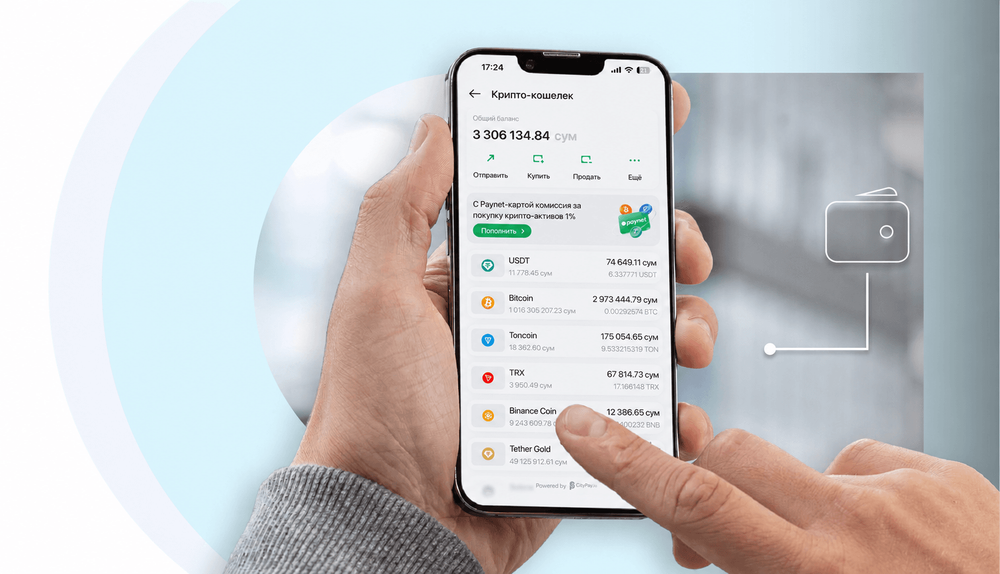
We would like to draw your attention to important information about topping up your CityPay crypto wallet in the Paynet app.
Sometimes users send a crypto asset that is not supported by the service to their crypto wallet address. In this case, the transaction may be completed successfully on the blockchain, but the funds are not reflected in the system automatically and are not credited to the balance.
What you need to know
Blockchain transactions are irreversible: once confirmed on the network, a transaction cannot be cancelled.
If a crypto asset that is not supported in the crypto wallet has been sent, we will not be able to credit it to your balance or return it to the sender.
The current list of supported crypto assets is published in the public offer and is available in the Paynet app, in the crypto wallet section.
How to avoid a mistake
Before each top-up, check in the Paynet app whether the crypto asset you need is supported.
Make sure that the address and network you specify when sending match the details in the app.
If you are unsure whether the details are correct or whether a crypto asset is supported, contact CityPay support before sending.
Check not only the crypto asset but also the network it is sent on. Support for an asset in one network does not mean it is supported in other networks. A token whose name or ticker matches a supported asset is also not confirmation that CityPay supports that particular token.
Use the current receiving details from the app, including the memo, tag or comment, if specified.
Thank you for your understanding and for taking care of your funds!